How-to
Restrict login based on IP address
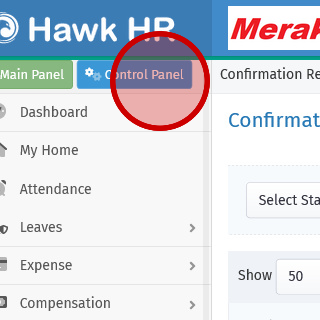
- Click the "Control Panel" link.
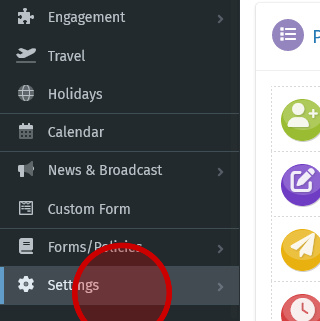
- Click the "Settings" link.
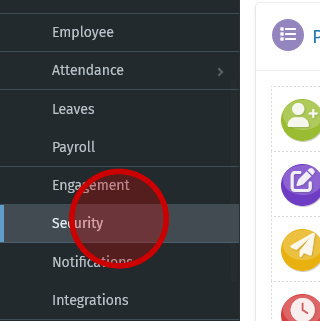
- Click the "Security" link.
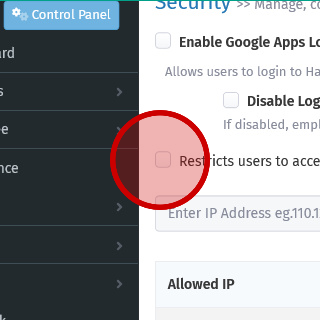
- Click "Restricts users to access the HRStop portal only from the IP Addresses configured below".
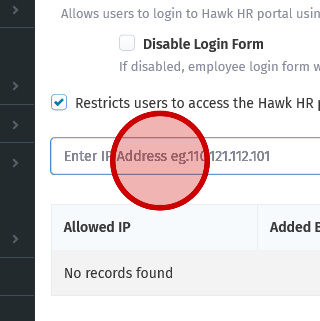
- Click the input field.
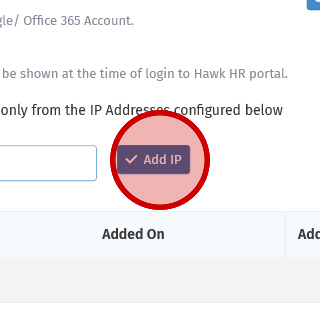
- Click the "Add IP" button.