How-to
Confirmation reminder
On this page
The Confirmation Reminder feature ensures timely follow-ups for employee confirmation processes by sending automated notifications to designated recipients. Follow the steps below to configure and monitor it effectively.
Steps to set a confirmation reminder
- Navigate to: Control Panel → Settings → Notifications
-
Search for:
- Type “confirmation” in the search bar.
-
Set Reminder Days:
- Enter the number of days in advance for reminders to be triggered, such as 3, 1 or 10 days before the confirmation deadline.
-
Recipient:
- Notifications are sent to management or other designated users as per system configuration.

Reminder conditions
- Triggered When:
Status is Pending or In Progress - Not Triggered When:
Status is Closed or the confirmation process is complete
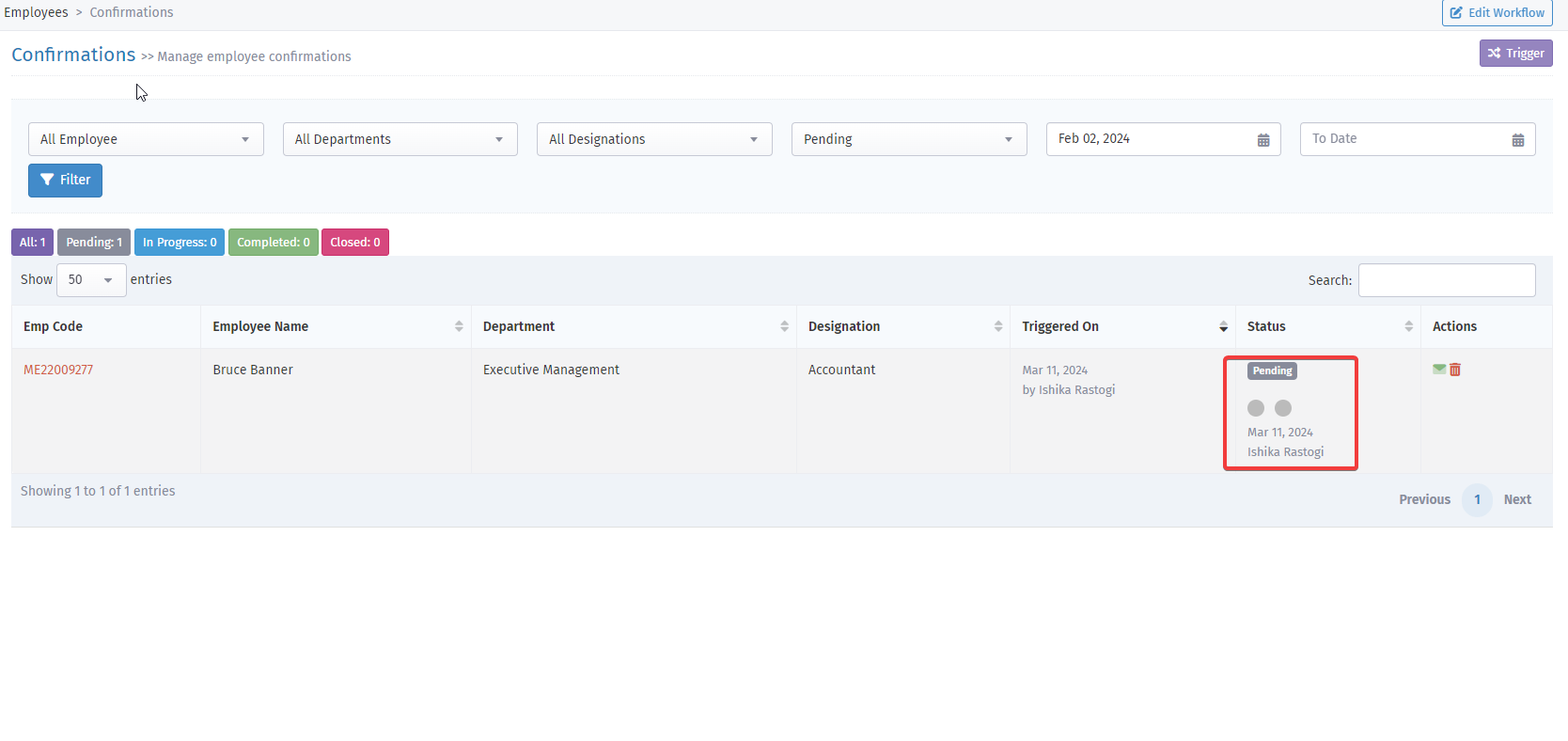
How to check confirmation status
- Go to: Control Panel → Employee → Confirmation → Status
-
Review the current state:
- Pending/In Progress: Triggers reminders
- Closed: Stops all further notifications
Example
- If a confirmation is due in 5 days and you've set a reminder for 3 days, a notification will be sent 3 days before the due date, only if the status is still pending.
- Once the confirmation is marked as closed, no further reminders will be sent.