How-to
Change the tax regime
Follow the steps below to make the necessary changes:
1. Navigate to Control Panel → Payroll → Investment.
2. A new page opens.
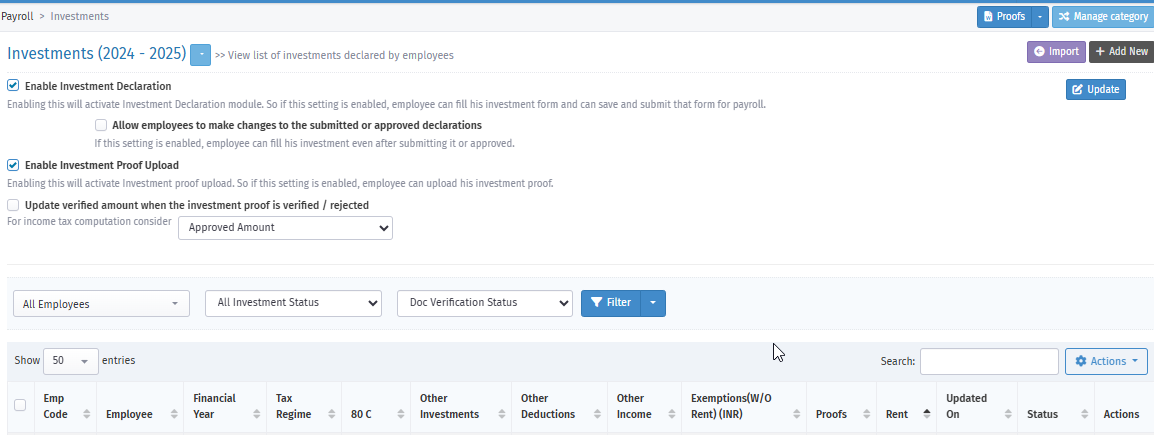
3. Search for the employee, click their employee code, and open the particular employee's investment page.
4. You see the option to enable the Tax Regime at the top left of the page.

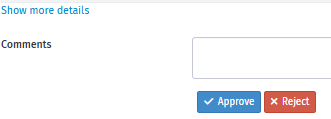
5. Once you make the changes, click the "Approved" option to update the tax regime.
Note: As employees are unable to change their tax regime themselves, admins or reporting managers can update the tax regime through the Control Panel.