How-to
Export Form 12BB
Follow these steps to export Form 12BB:
1. Navigate to Control Panel → Payroll → Investment.
2. The Investment page opens.
3. Click the "Employee Code" for which you want to download Form 12BB.
4. After you click the "Employee Code", a new page opens.

5. Click the "Form 12BB" icon in the top-right corner.
6. A new page opens for downloading Form 12BB.
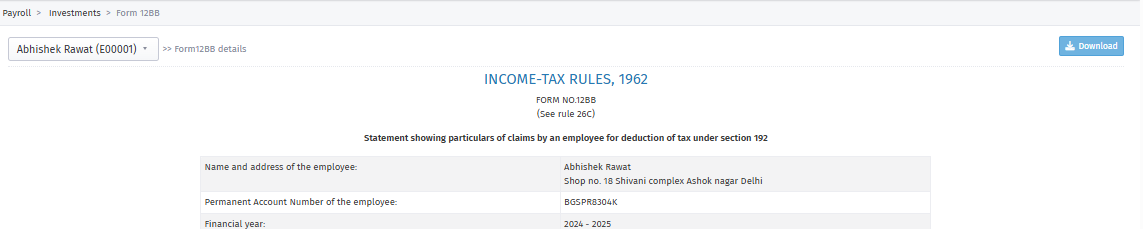
7. Click the "Download" option in the top-right corner.
8. Form 12BB is downloaded.