How-to
Enroll an employee in PF
How to enroll an employee in PF
Go to https://unifiedportal-emp.epfi...
Enter your user ID and password.
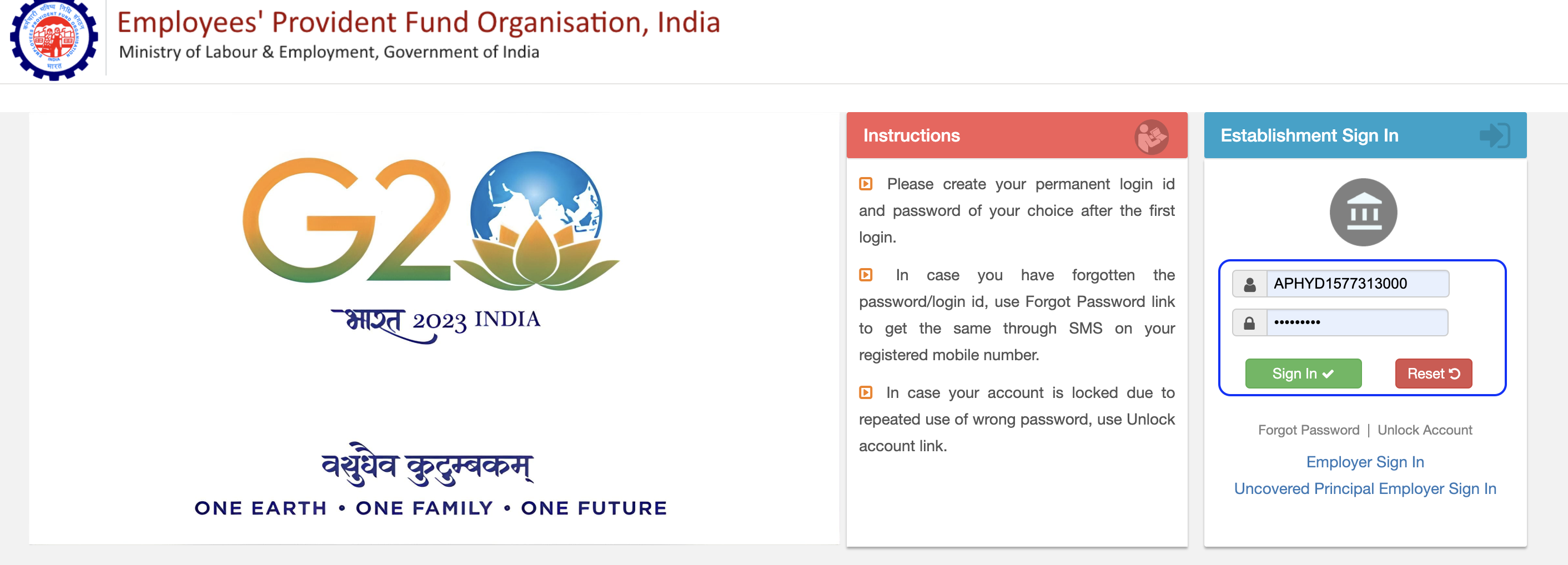
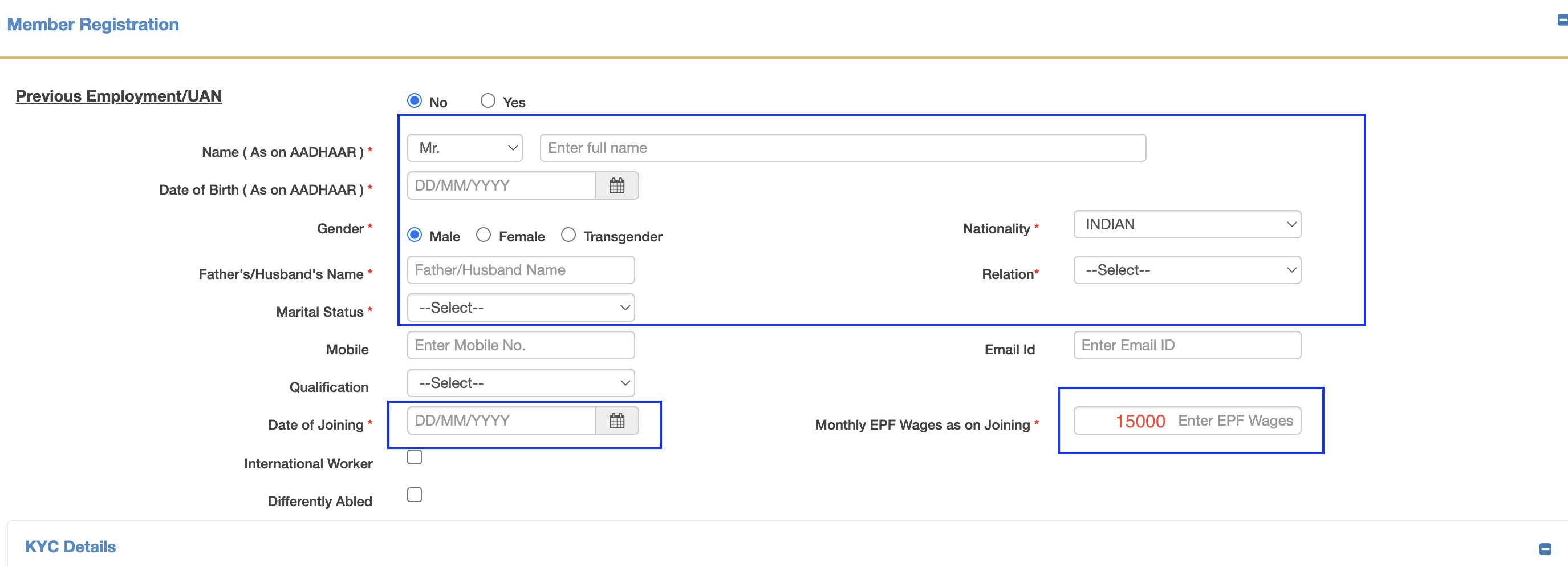
After you sign in to the portal, go to the second option at the top left, Member → Register Individual. Fill in the mandatory fields marked with a red star. EPF wages should be a minimum of 15000.
Further down, in KYC details:
Select PAN & Aadhaar for verification and enter the details as per the document.
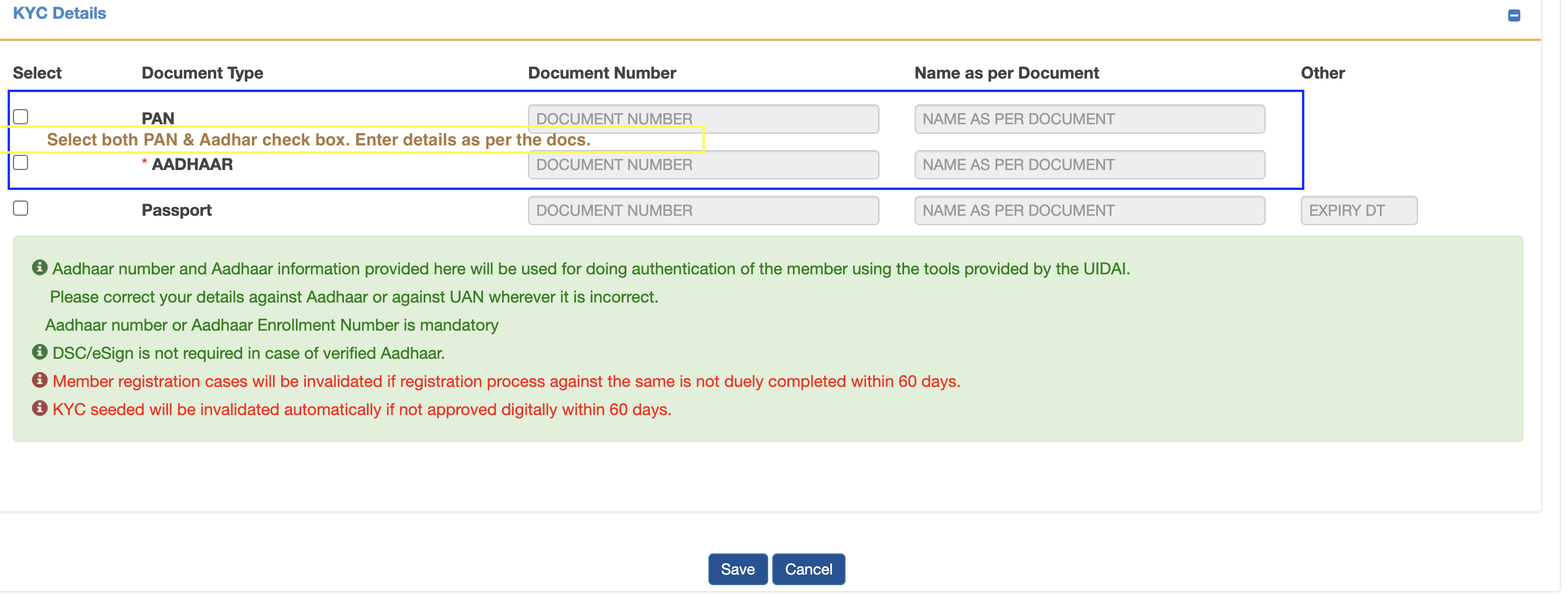
Save the page. This message pops up: Member record saved successfully.
It means the employee is registered successfully on the EPFO/PF portal.