How-to
Export the assigned salary template list
Follow these steps to export the assigned salary template list:
1. Navigate to Control Panel → Payroll → Salary Template.
2. A new page opens, as shown below.
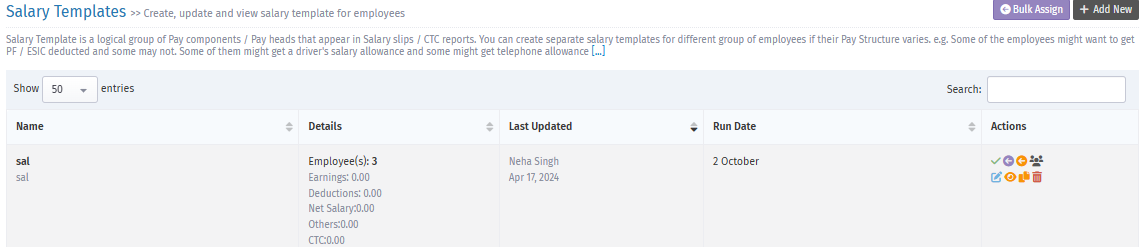
3. Click "Bulk Assign".
4. A new page opens, as shown below.
5.
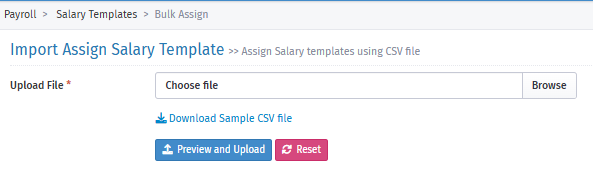
6. Click "Download Sample CSV file" to export the list of employees with assigned templates.
7. In the downloaded file, you can check how many employees are unassigned.